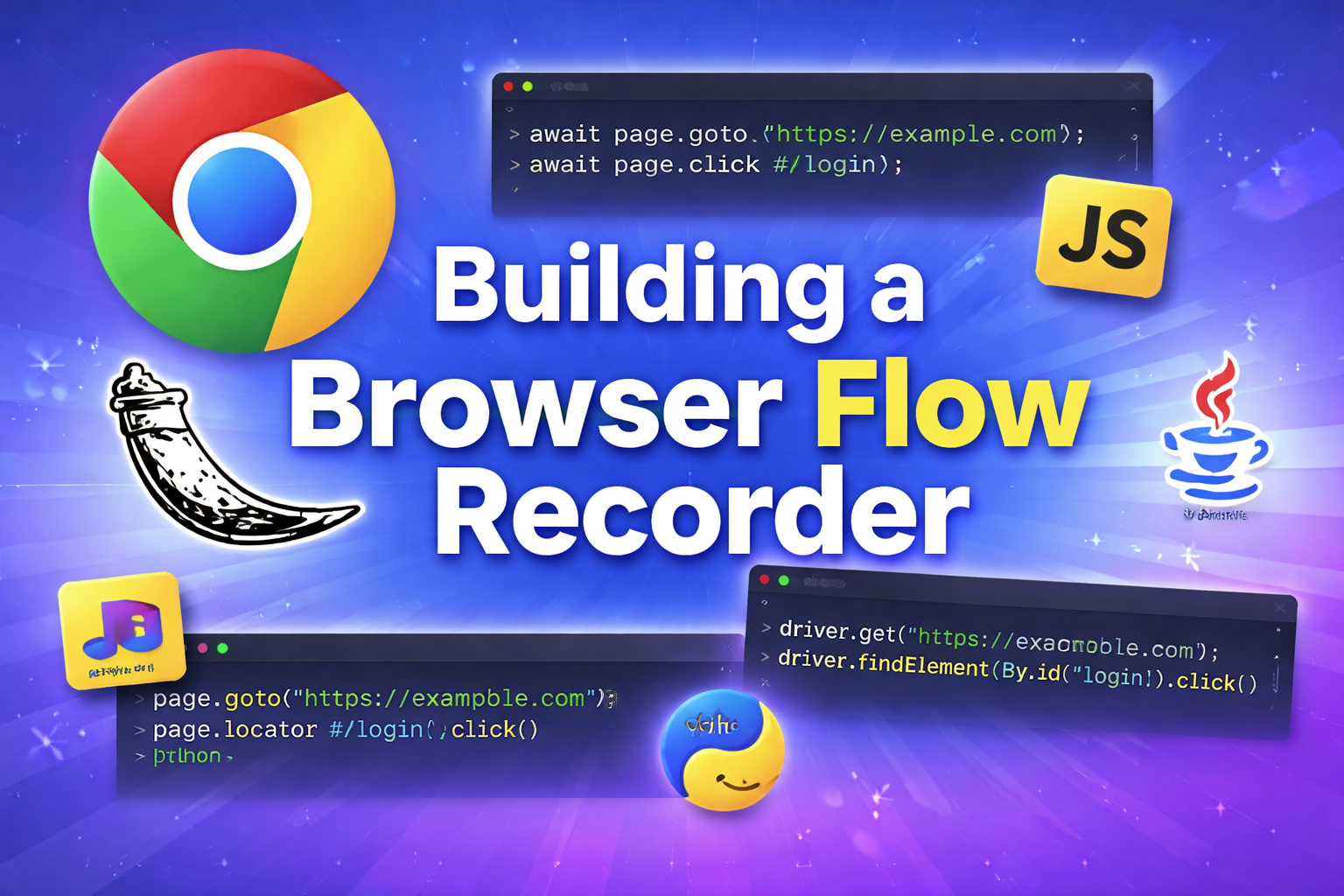
Modern QA and developer tooling increasingly aims to reduce the gap between manual testing and automation. One of the most useful product patterns in this space is the flow recorder: a tool that captures user interactions in the browser, converts them into structured steps, and generates starter automation code.
In this project, I built exactly that.
The system records user actions on arbitrary websites, sends those events to a Flask backend, normalizes them into meaningful test steps, and exports test skeletons in multiple languages and frameworks, including JavaScript, Python, and Java. The result is a practical developer tool that demonstrates browser instrumentation, backend architecture, code generation, and product thinking in one cohesive system.
The problem
Writing UI automation from scratch is repetitive. A developer or QA engineer often begins with the same sequence:
- open a page
- click buttons
- fill forms
- navigate across screens
- add assertions
- convert the workflow into test code
That process is straightforward, but it takes time and introduces friction. Manual QA teams also face a second problem: they know the workflow, but translating it into code usually requires engineering support.
A recorder addresses both issues by turning interaction data into a usable automation starting point.
Product goal
The goal of this project was not to replace mature frameworks like Cypress or Playwright. The goal was to build a test bootstrapper:
- capture real user steps
- structure those steps into semantic actions
- generate readable automation code
- export a test skeleton that engineers can refine
This is a much more realistic and product-minded target. Instead of promising perfect replay, the system produces a strong initial draft.
Final architecture
The project evolved into a hybrid architecture with two major parts:
1. Flask backend
The backend is responsible for:
- storing recording sessions
- receiving browser events
- normalizing raw actions into semantic steps
- generating test code
- exporting files for download
2. Chrome extension
The extension is responsible for:
- running on arbitrary websites
- capturing DOM events directly from the page
- extracting selector metadata
- posting recorded events to the Flask server
This separation is important. A normal Flask app running on 127.0.0.1:5000 cannot inspect another site’s DOM because of browser same-origin restrictions. To record activity on any website, the event capture logic has to run inside the browser context of that site. That is why the extension is essential.
Why Flask?
Flask was a strong fit for this project because the backend responsibilities were clear and lightweight:
- receive JSON events
- manage session state
- transform recorded data
- generate text output
- serve a simple dashboard
The framework made it easy to expose endpoints like:
/api/session/start/api/session/stop/api/events/api/generate/export
Flask also kept the implementation approachable. The emphasis of the project was not backend complexity, but the full workflow from capture to code generation.
Capturing browser interactions
The most interesting engineering challenge was not the UI. It was event capture.
Raw browser events are noisy. A recorder cannot just dump every event and call it done. Real usability depends on deciding which events matter and how to interpret them.
The system captures actions such as:
- page navigation
- clicks
- text input
- checkbox or radio changes
- form submissions
From there, a normalization layer transforms raw signals into higher-level steps like:
- navigate to login page
- fill email field
- fill password field
- click sign in
- verify dashboard URL
That distinction matters. The tool is far more valuable when it emits semantic steps instead of a chaotic event log.
Selector generation and stability
One of the biggest issues in browser automation is selector quality. A recorder that generates brittle selectors quickly becomes useless.
To make the generated tests more maintainable, the project used a selector priority strategy:
data-testidaria-label- associated label text
- visible button or link text
- stable
id - CSS fallback
This approach favors human-readable, resilient locators. It also reflects a broader engineering principle: generated code should be understandable, not just executable.
Privacy and safety considerations
Any recorder that captures browser behavior has to deal with sensitive data. This is not an optional detail. It is a core product concern.
The project includes privacy-conscious defaults such as:
- masking password fields
- redacting likely secrets
- keeping sessions local
- avoiding external transmission
- providing clear session reset behavior
This makes the tool safer and also makes the product story stronger. Good developer tooling is not just functional. It also demonstrates judgment.
Multi-language code generation
After the core recorder was working, I expanded the generator layer to support multiple languages and frameworks.
The project now generates:
- JavaScript with Playwright
- JavaScript with Cypress
- Python with pytest and Playwright
- Java with JUnit and Selenium
- Java with Playwright
This part of the system is especially valuable from a tooling perspective. It turns the recorder from a single-purpose utility into a flexible automation bootstrapper.
The generator layer is built around a shared internal step model. Once interactions are normalized into structured actions, each language target can map those actions into its own syntax.
For example, the same recorded login flow can be rendered as:
page.goto(...)andpage.locator(...).click()in Playwright JavaScriptcy.visit(...)andcy.get(...).click()in Cypresspage.goto(...)in Python Playwright- Selenium WebDriver commands in Java
- Playwright’s Java API in Java
That abstraction is where the framework becomes interesting from a software design perspective.
Why this is more than a demo
A lot of portfolio projects stop at “it works.” This one is stronger because it combines multiple layers of real engineering:
- browser-side instrumentation
- backend APIs
- event normalization
- code generation
- export workflows
- privacy controls
- framework-specific output design
It also shows product thinking. The system does not try to magically produce perfect end-to-end tests. Instead, it provides a clean, pragmatic starting point for developers and QA engineers. That is a much more credible value proposition.
Key lessons from the build
1. A web app alone cannot record arbitrary websites
This was the first architectural constraint. Same-origin policy prevents a Flask dashboard from directly inspecting another site. The correct solution was to use a browser extension for capture and Flask for backend processing.
2. Raw events are not the product
The product is not the event stream. The product is the normalized, meaningful workflow derived from that stream.
3. Readability matters in generated code
Generated code should help a developer move faster, not create another artifact to rewrite from scratch.
4. Privacy cannot be bolted on later
Sensitive input redaction needs to be part of the design from the beginning.
5. Multi-language support becomes easier with a shared step model
Once actions are captured as abstract steps, adding more language targets becomes a generator problem instead of a recorder rewrite.
Future improvements
There are several clear next steps for this framework:
- stronger assertion generation
- editable step timelines before export
- TypeScript output
- C# Playwright support
- Robot Framework export
- page object model generation
- selector confidence scoring
- AI-assisted test naming and comments
These improvements would move the project from a solid prototype toward a more polished developer product.
Conclusion
This project started as a browser flow recorder inspired by modern testing tools and evolved into a hybrid system that captures user interactions, processes them through a Flask backend, and exports automation skeletons in multiple languages.
It demonstrates more than just code. It shows how to think through architecture, browser constraints, developer experience, automation design, and privacy.
That is what makes it interesting to build, and useful to ship.
No comments yet
Be the first reader to add one.